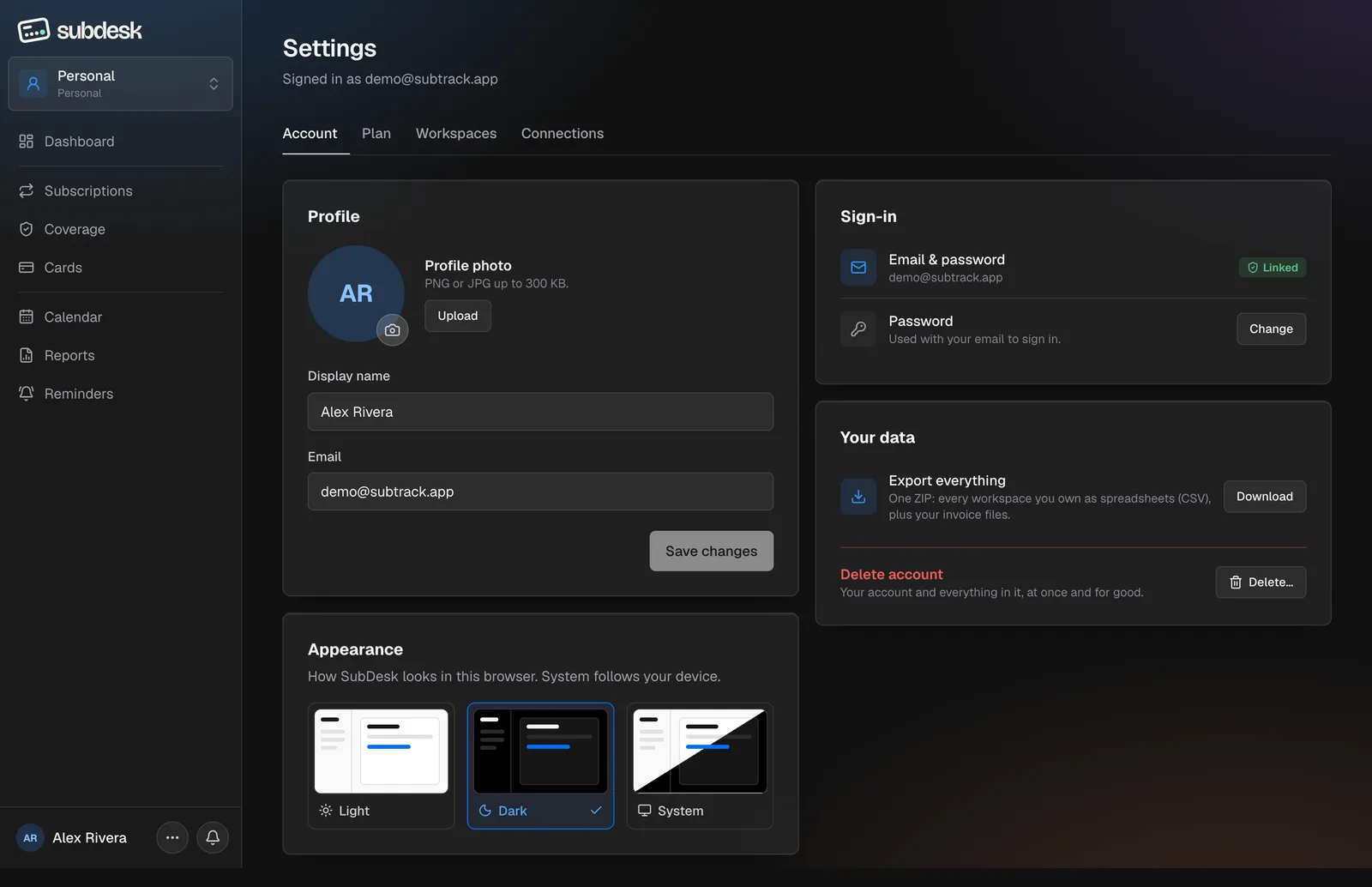
Account
Profile photo, display name and email. Sign in shows whether Google is linked and lets you change the password. Appearance picks Light, Dark or System (dark is the default). Your data has two buttons: Export everything downloads a ZIP of CSV files for every workspace, and Delete account removes the account and all its data at once after a confirmation.
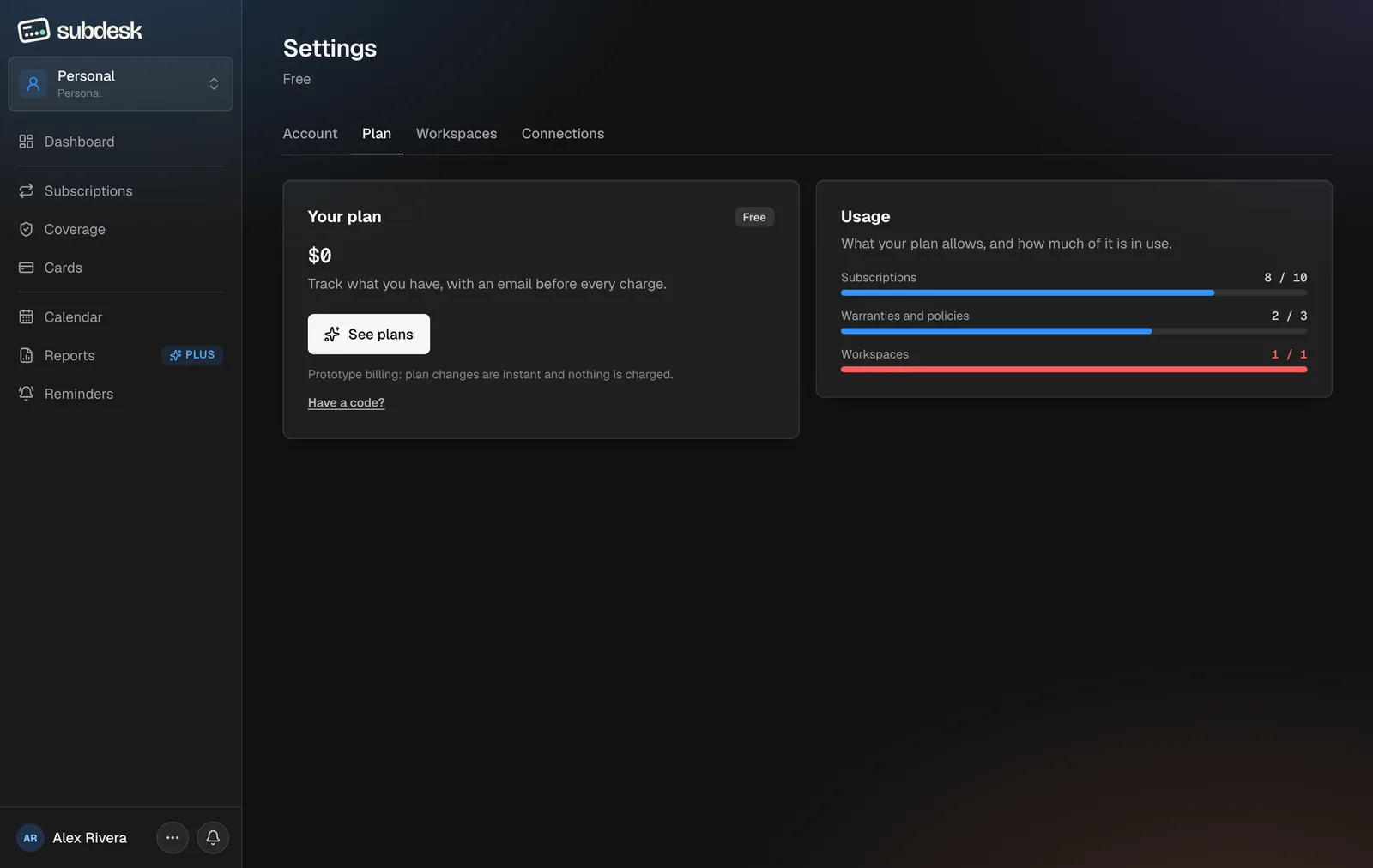
Plan
Your plan names the plan and price. Usage shows every cap as a bar: subscriptions, warranties and policies, workspaces, AI connections, and invoice storage on paid plans. Bars turn red at the cap.
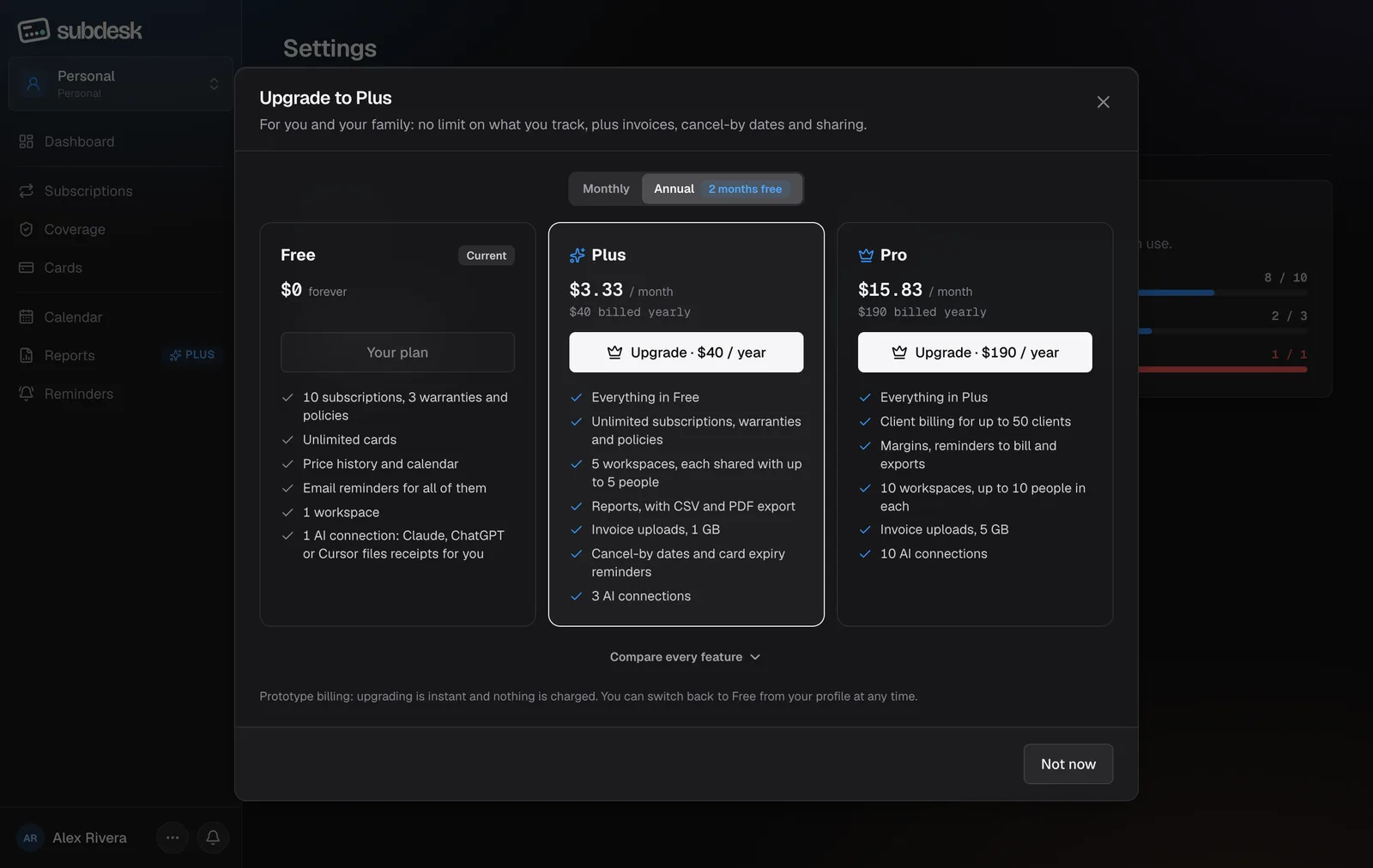
Upgrading. See plans opens the comparison with a Monthly / Annual toggle (a year costs ten months, so two come free). Choosing Upgrade goes to Stripe Checkout and returns you here; the plan is live the moment payment clears. Compare every feature expands the full table.
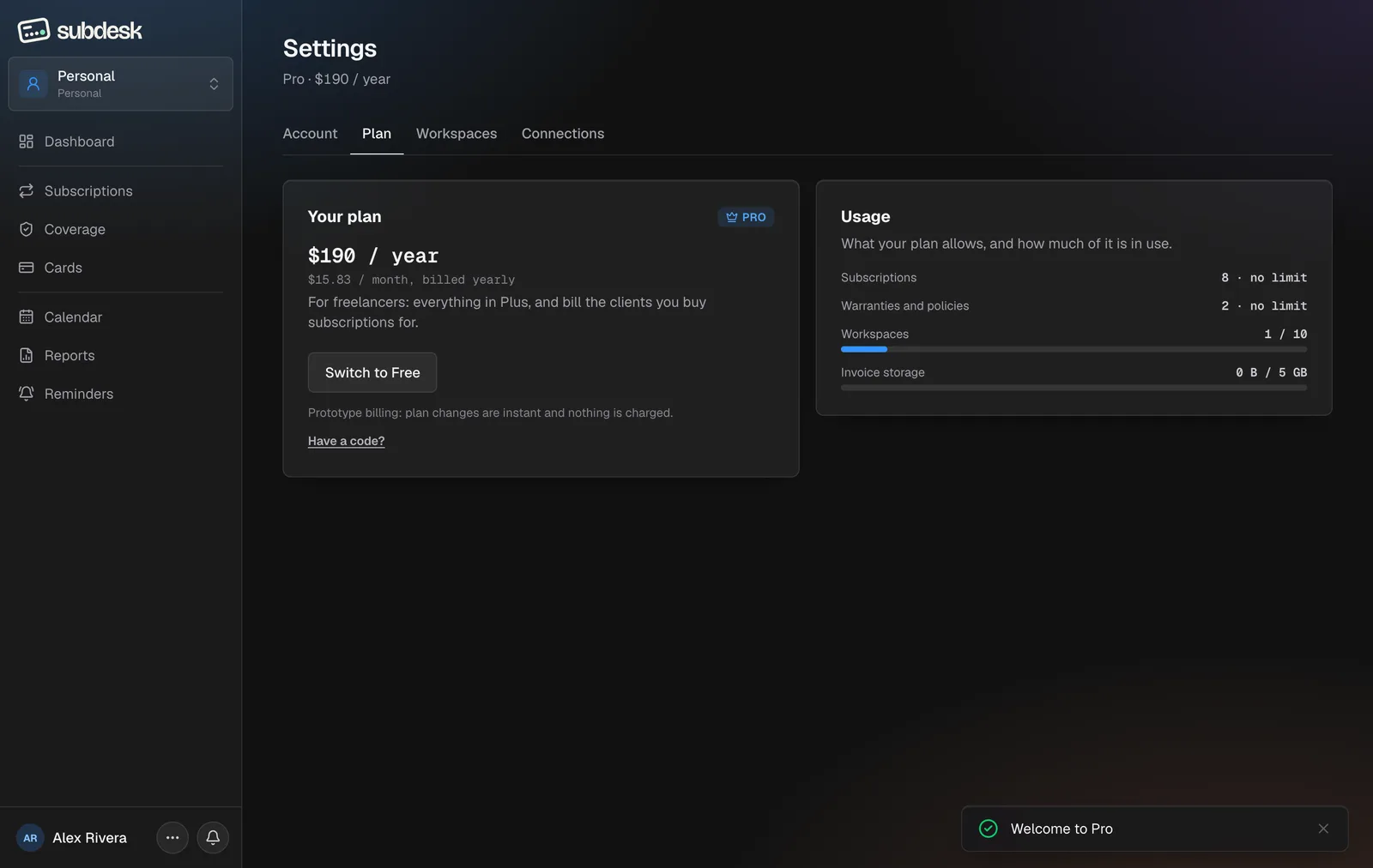
Redeem a code. Have a code? under the plan card takes a Plus or Pro code, for a trial period or forever, and shows the message that came with it. A code and a paid plan stay separate: the paid plan resumes when a code's period ends.
Workspaces and Connections
The two other tabs are covered in Workspaces and sharing and AI connections.
Light theme and phones
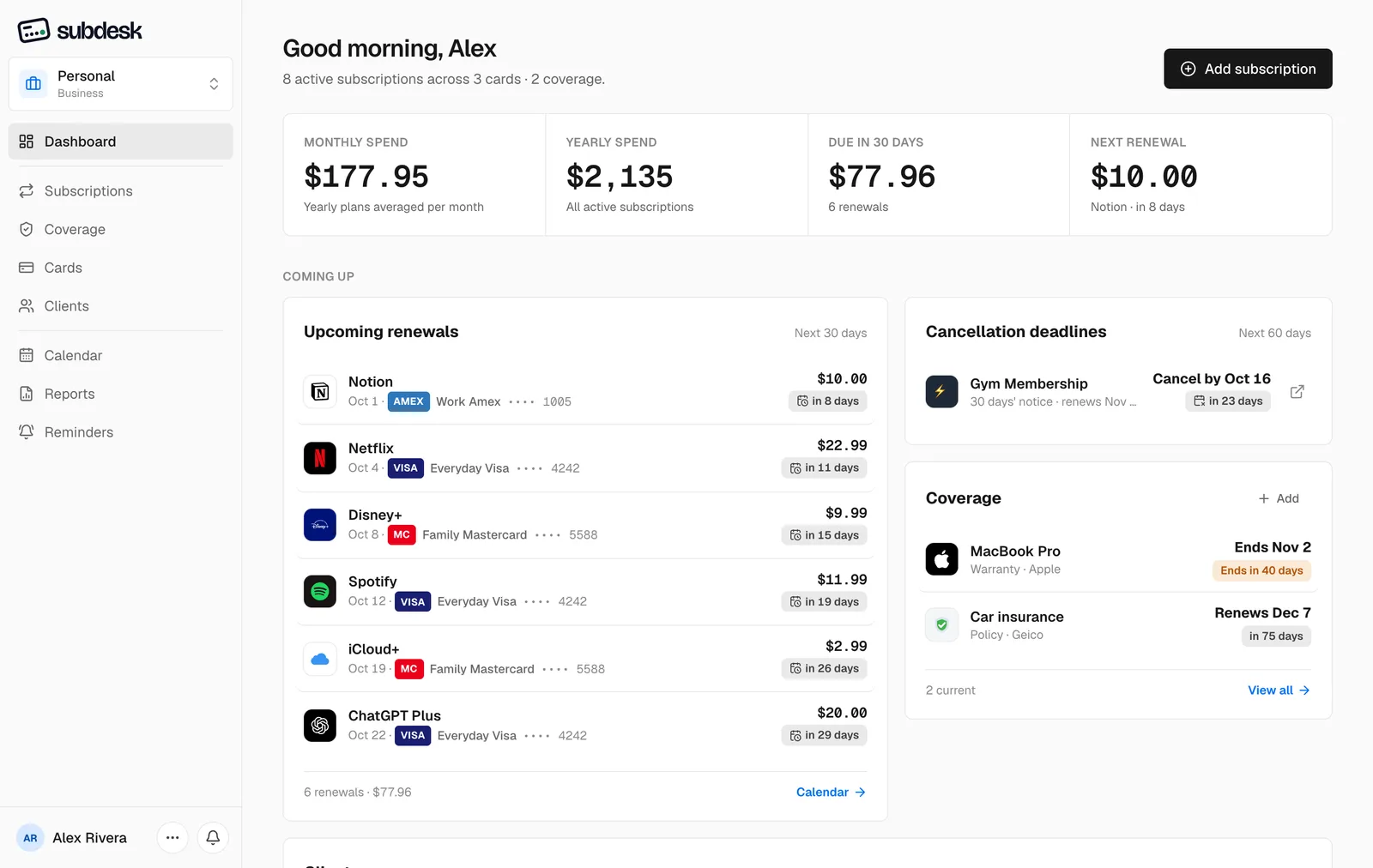
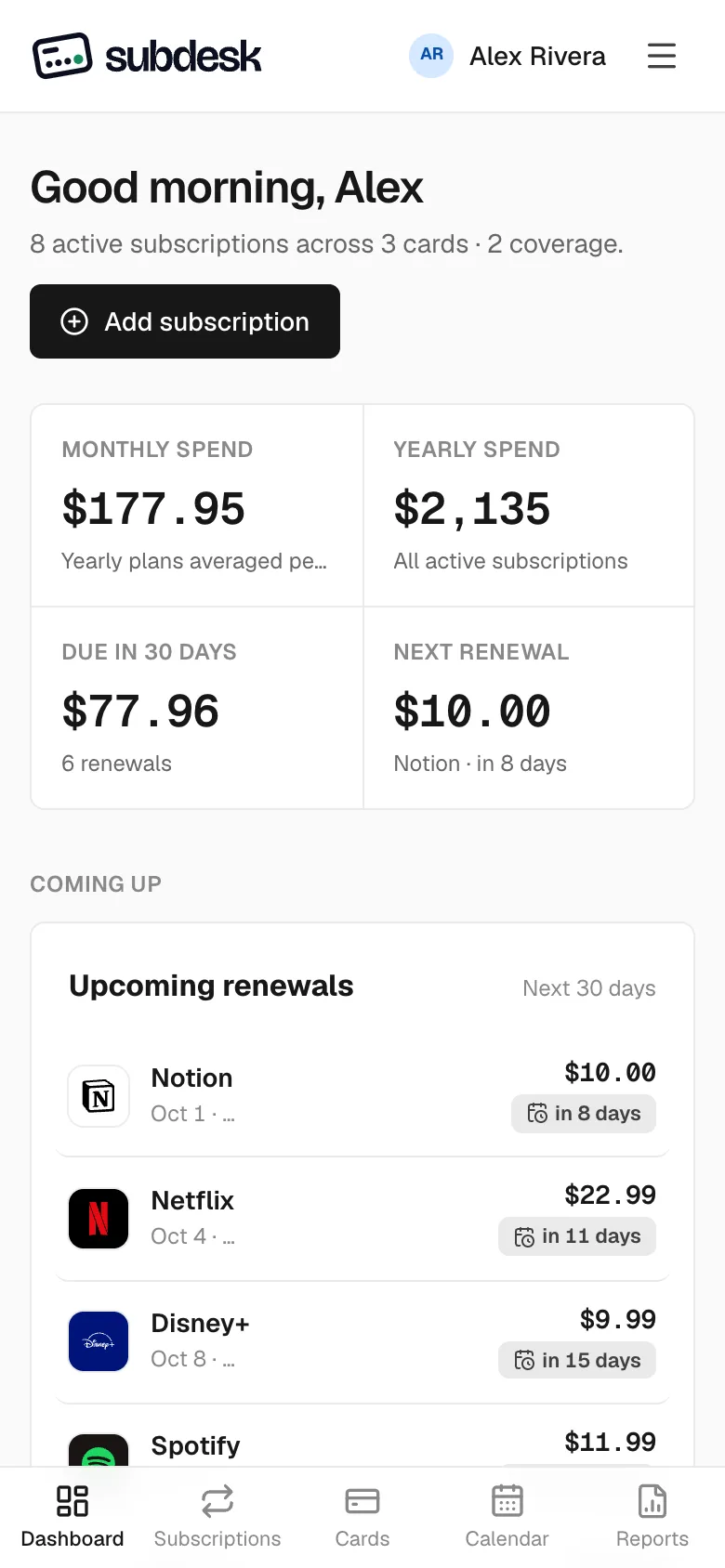
Every page also works in the light theme and on a phone, where the sidebar becomes a bottom bar.